Restaurant Billing Software: What It Actually Needs to Do
Published
Most restaurant owners pick billing software for the wrong reasons: a flashy dashboard and a long features list. The software you actually need does five boring things reliably, every single day, during a lunch rush.
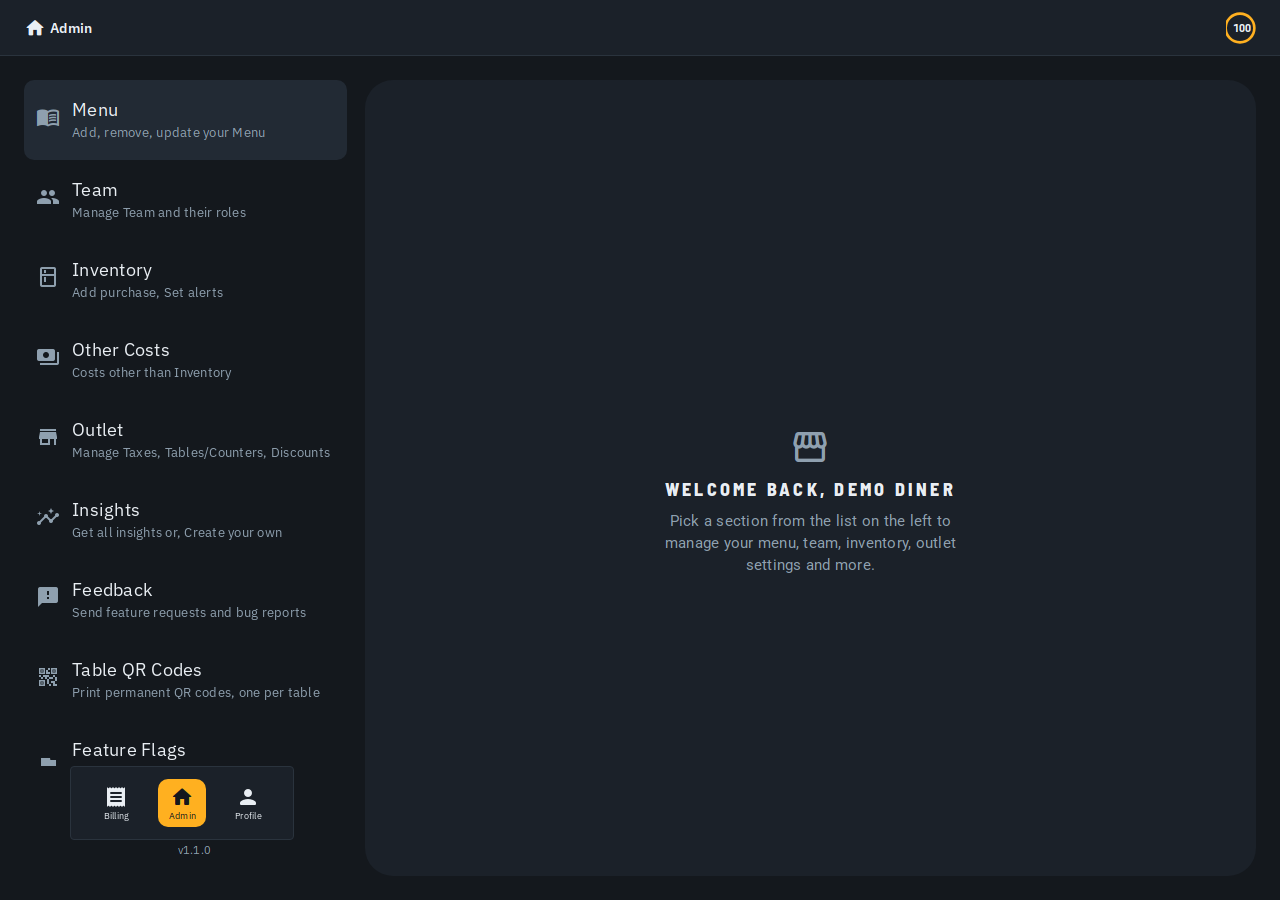
What should restaurant billing software actually do?
Strip away the marketing and a billing system has one job. Take an order, calculate it correctly, and get it to the kitchen and the customer without you double-checking it. Everything else is a feature, not a requirement.
Think about a 40-seat restaurant doing 150 bills on a Saturday. If the tax calculation is wrong on even five of those bills, that's a real accounting headache by Monday. If a waiter has to manually copy an order to the kitchen, tickets get missed during rush.
So before you look at AI insights or loyalty programs, check four basics first. Setup speed, tax handling, kitchen routing, and whether it works on hardware you already own.
How fast can you actually get it running?
A lot of billing software asks for your full business profile before it lets you bill a single order. GSTIN, FSSAI number, bank details — all up front, before you've even added a menu item. That's backwards for a restaurant opening in three days.
The better test: can you sign in with just a phone number and OTP, and open a bill within minutes? Full compliance details — GSTIN, FSSAI, UPI ID — should have their own place you fill in later, not a gate you clear first. See setting up your outlet for what that looks like.
A sample menu you can explore before typing in your real one is a small touch. But it tells you a lot about how the product was actually built.
Can it read your existing menu, or do you type everything by hand?
Most restaurants already have a menu — a printed card, a PDF, a WhatsApp photo from the last reprint. Re-typing fifty items one at a time is a common reason owners give up on new software halfway through.
Look for an upload path that reads a photo, PDF, CSV or Word file. Items should stream in as the file is read, not after you've waited for the whole thing to finish. Anything it's unsure about — no English name, or a price that looks different — should get flagged for you to check.
For items you want to type by hand, a quick-add box helps. Type a name and price, hit Enter, and keep typing the next one. See setting up your menu from a photo for the full picture.
Does it handle GST and your other charges correctly by default?
This is where cheap billing apps fall apart. CGST and SGST need to apply the way your state and category actually require, not as one flat number bolted onto the bottom of every bill.
Say you run a mixed outlet. Dine-in tables carry GST, your takeaway counter adds a packing charge instead. The software should let you choose which taxes and charges apply per table or counter, not force one setup across the whole outlet. A service charge added automatically to the bill is not lawful in India: any tip has to be the guest's own choice — see taxes and charges.
If a vendor can't show you exactly where CGST, SGST and your other charges get configured in a live demo, assume your accountant will be the one finding the mistake later.
What happens between the bill and the kitchen?
A restaurant isn't just billing. It's billing plus a kitchen that needs to know what to cook, in order, without someone walking a paper chit back and forth. That's the part pure billing apps often skip.
A kitchen ticket wall — a screen on a mounted TV or tablet showing every order sent from the floor — removes that walk entirely. The waiter sends the order, the kitchen sees it immediately, and nothing gets lost during a busy service.
This only matters if you have a kitchen between the order and the customer. A counter-only shop selling packaged goods doesn't need this step, which is one more reason tables, counters, takeaway and delivery should each be set up as the order type they actually are.
Does it work without buying new hardware?
You shouldn't need a dedicated POS terminal to start. Table QR stickers generated automatically the moment you create a table mean customers can see the bill on their own phone, no extra device needed.
Printers are the one piece of hardware you likely already own. Check that the software can talk to a printer over your existing network, rather than demanding a specific proprietary box.
A quick-bill option that works before you've finished any setup is worth checking too. It's the difference between configuring everything first and billing today while you configure the rest this week.
What about running more than one outlet?
If you're planning a second location, or already run two, check how the software treats that now. Settings — tax rates, menu, tables — should apply to whichever outlet is selected, with a simple switcher between them.
This matters even if you're single-outlet today. Software built around one restaurant, one account from day one tends to make multi-outlet support feel bolted on later.
What should it actually cost?
Be wary of anything that needs a credit card before you've billed a single order. A fairer model gives every new outlet a one-time credit grant to try real billing. After that, it moves to a plan or prepaid credit packs once you're actually using it.
Biller.app follows this approach. It's free to start, with 510 Biller credits once, so a small outlet can run on it without paying anything upfront -- a plain bill costs one credit, and credits never expire.
Start billing in minutes
If you want to see this working rather than read about it, open Biller.app and try it directly. Add a few items by hand or scan a menu photo, open a bill, and send it through. You'll know within ten minutes whether it fits how your outlet actually runs.
Start billing free, no signup — it takes less time than re-reading this checklist.
FAQ
Do I need a GSTIN to start billing?
No. You can create an outlet and start billing with just a name and what you sell. GSTIN, FSSAI number and other compliance details can be added later from your outlet settings.
Can I use billing software without a dedicated POS machine?
Yes, as long as it runs on a phone or tablet you already have and can talk to a network printer when you need a printed receipt.
What if my menu changes often?
Look for software where editing a price or marking an item unavailable takes a few taps, not a full re-upload of your menu.
Is free billing software usable long-term, or just a trial?
Check whether "free" means a time-limited trial or a genuine free tier. Biller.app gives every new outlet 510 Biller credits once, with no time limit and no card required.
Does billing software replace a kitchen display or ticket system?
A good one includes both. An order sent from the counter should show up on a kitchen ticket wall without needing a separate system.
This is written for single-counter restaurants and shops across India, not large chains with dedicated IT teams. If you're still billing out of a notebook or a calculator app, Biller.app is free to start -- 510 Biller credits once, no card; a plain bill costs one credit, and credits never expire.