AC vs Non-AC Restaurant GST: What Applies in 2026?
Published
An air-conditioned dining room does not need a higher GST rate just because it has AC. Check the restaurant’s tax status before changing what guests pay.
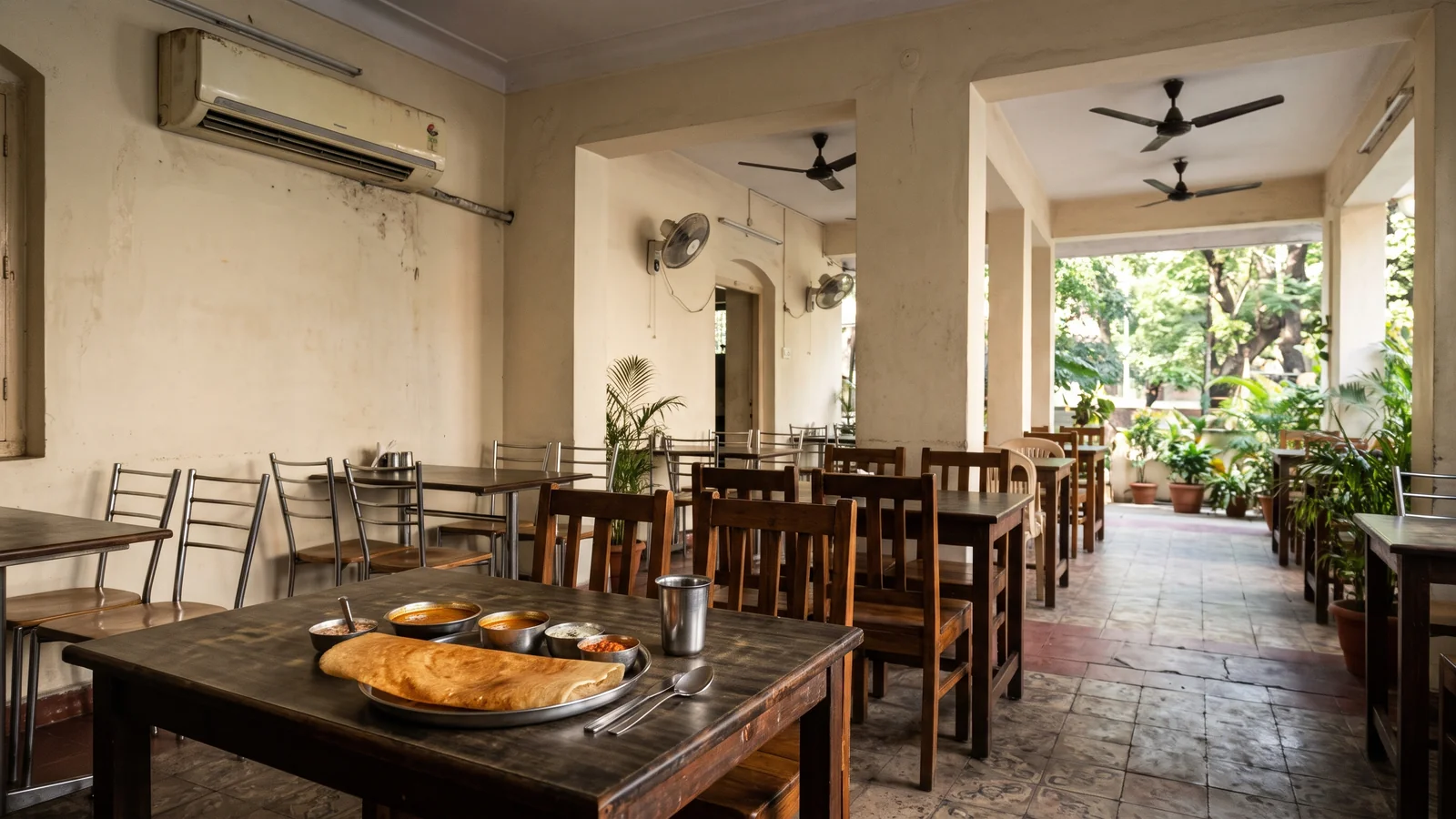
Is GST different for AC and non-AC restaurants today?
No. AC does not decide the current restaurant GST rate. Restaurant service outside specified premises generally attracts 5%. Restaurant service at specified premises attracts 18%, subject to the relevant entry. First check which rule fits the outlet, then set the tax.
A ₹200 meal before tax at a normal 5% restaurant adds ₹10 GST. The total is ₹210 under a fan or in an AC room. There is no extra AC-based GST amount to add to the bill.
The current restaurant entries are under heading 9963 in the official CBIC service-rate table. Check those entries rather than an old AC versus non-AC rate chart. The type of supply and the premises matter.
Why do owners still hear about an AC tax split?
Old rate charts still turn up in searches, saved messages and staff notes. An old figure may have been right for its period. That does not make it a rule for a meal sold in November 2026.
Suppose a cashier finds a sheet showing 12% for one dining area and 18% for another. Do not copy those rates into the tax screen. Ask when that sheet was issued and which current rule supports the proposed rate.
The useful staff rule is simple: switching on the AC does not change GST. Nor does moving a guest from an open terrace to an indoor table. Keep the approved tax note near the billing desk so staff can answer this without guessing.
How does a normal local 5% bill split the tax?
On a normal local supply, 5% GST splits into 2.5% CGST and 2.5% SGST. A ₹1,000 taxable meal therefore has ₹25 in each line. The customer pays ₹1,050 in total, assuming no other charges or rounding.
For a ₹150 meal before tax, each component is ₹3.75. Together they add ₹7.50, giving ₹157.50. Keep the two component lines clear rather than adding another 5% on top of them.
A combined GST 5% label in a setup screen can still represent two tax lines. Check the printed split and the total. A label alone does not prove that the outlet has chosen the right rate under the law.
What if the restaurant is inside a hotel?
Check specified-premises status instead of AC. From 1 April 2025, the automatic test uses room supplies above ₹7,500 per unit per day in the preceding financial year. A valid voluntary declaration is another route. Exactly ₹7,500 does not meet the automatic test.
See Notification 05/2025-Central Tax (Rate), dated 16 January 2025, pages 1–4. The restaurant does not switch daily with room discounts. For example, a cheaper ₹6,000 room today does not alone bring its restaurant from 18% to 5%.
Keep the hotel’s yearly status note and any declaration with the tax setup records. A leased counter should not assume that its own GSTIN makes the premises rule disappear. Have the accountant check the facts for that counter before deciding its rate.
Can a restaurant charging 5% claim any input tax credit?
From 1 November 2026, a narrow exception allows credit for restaurant service bought from another provider outside specified premises. That is not general credit for all purchases. Basic goods such as ingredients and kitchen equipment remain restricted under the 5% entry.
The change is in Notification 06/2026-Central Tax (Rate), dated 27 October 2026, printed pages 6–7, effective 1 November 2026. Do not describe the current rule as either full credit or no credit at all. Ask the accountant to review the specific inward service.
For example, a bill for raw vegetables is not the same thing as a bill for purchased restaurant service. Keep those records distinct. Changing an output GST preset does not itself establish whether a purchase qualifies for credit.
Does takeaway or delivery make AC relevant again?
No. The restaurant-service definition covers meals consumed at the premises or away from them. A parcel from a restaurant outside specified premises does not gain a higher rate because its dining room has AC. Check the supply being sold rather than the seating used.
Keep restaurant food, platform fees and separately supplied delivery services distinct when reviewing tax. A delivery app order can also change who pays the restaurant GST under the relevant rules. Do not assume that every fee on an app follows the meal’s tax rate.
A ₹500 meal and a separate platform charge need a clear invoice review. The meal price alone cannot prove the tax on that charge. This guide explains the AC question; it does not classify every delivery contract or fee.
Does the guest’s home state decide CGST or IGST?
An out-of-state guest does not by itself make a locally served meal an interstate supply. Restaurant place of supply follows where the service is actually performed. See IGST Act section 12(4).
For example, a guest from Pune eating at a Delhi restaurant does not trigger IGST merely through their home address. Check supplier location and the place-of-supply rule. Do not use an interstate-delivery preset simply because a diner has another state’s GSTIN.
How do you set up the confirmed rate in Biller.app?
Biller.app applies the taxes you choose. It does not decide your legal GST treatment on its own. Menu-item tax and HSN suggestions need your review and approval. Confirm the right rule before using those suggestions on real bills.
Open Outlet, then Taxes & charges, and choose New tax or charge. Pick the right available GST preset. Biller.app creates the tax components and groups the pair into one card. Read the Taxes & charges guide before changing a live setup.
Next, check which tax cards apply to each table or counter. Defaults concern new tables and counters. The separate existing-tables option controls adding the tax to those already set up. A saved card does not mean every counter now uses it.
For an approved 5% local bill, check a ₹1,000 sample against ₹25 CGST and ₹25 SGST. Use the bill preview to see the lines and total. Repeat the check for the counters that will use that tax.
What if the menu price already includes GST?
Inclusive pricing means the printed menu price already contains tax. A ₹105 item at 5% includes ₹100 taxable value and ₹5 GST. The guest still pays ₹105. Exclusive pricing adds the tax to the listed base price instead.
Biller.app supports both pricing styles. The default for new menu items does not reprice items already saved. Check each existing item’s setting when reviewing a menu. The GST billing guide explains the supported steps.
What does Biller.app handle, and what stays with you?
A restaurant outlet uses one GST rate per bill. Item-specific mixed rates are documented for shop outlets. Do not promise that a single restaurant bill can handle every special mix of goods and services without a separate review.
For a completed bill, Biller.app supports a Tax Invoice, PDF download, printing and email. Set the GSTIN and registration status correctly first. The app also exports figures in GST portal table shapes. The Tax reports guide covers those exports.
Biller.app does not generate e-invoices or IRNs and does not file GST returns. You or your accountant still handle those tasks. Composition and unregistered settings produce new Bills of Supply without tax lines; a software setting does not decide legal eligibility.
FAQ
Does using AC increase restaurant GST?
No. AC is not the current rate test. Check the restaurant-service entry and whether the premises has specified status.
Is every restaurant bill taxed at 5%?
No. Restaurant service at specified premises attracts 18%. Other supplies or registration positions also need their own review.
Can a 5% restaurant claim ingredient credit now?
The November 2026 exception concerns a narrow class of purchased restaurant services. It does not permit general credit on ingredients or equipment.
Does Biller.app file returns or generate IRNs?
No. It applies your confirmed tax settings and supports exports. Returns and e-invoicing remain your or your accountant’s responsibility.
Confirm the rule, test a bill, then brief the cashier on the result. You can start billing free, no signup, and check the setup before service.
This is for single-counter and multi-outlet restaurants and shops in India. Biller.app is free to start with 510 Biller credits once, without a card. A plain bill uses one credit; credits never expire. AC does not change that billing credit cost.