What "Free" Really Means in Restaurant POS Software (And How to Spot the Trap)
Published
"Free" is the single most common word on restaurant POS landing pages — and one of the least consistently defined. Before you build your menu, train your staff and migrate your billing history onto a new system, it's worth five minutes to understand what "free" is actually promising you.
The six traps to check for
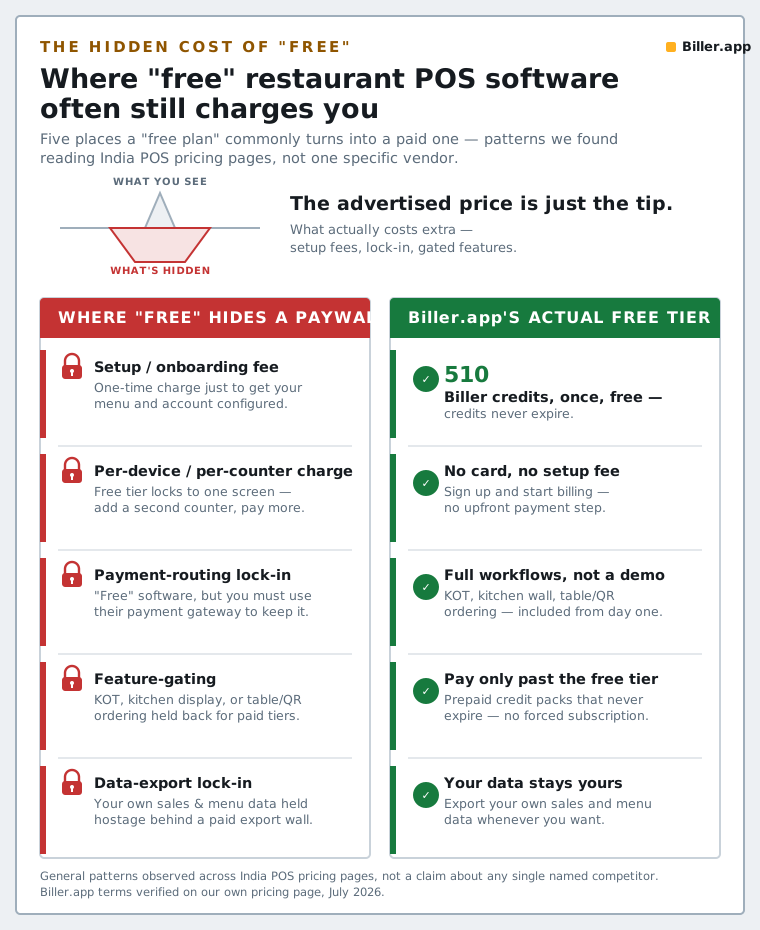
TrapWhat it looks likeWhat to ask Trial dressed as free"Free" with a 7- or 14-day timer that isn't obvious on the landing pageWhat's the exact date my access changes, and what does it cost after? Feature-gated freeBilling is free, but KOT, inventory, or GST invoicing needs an upgradeWhich specific features are actually included at zero cost? Card required for "free"Sign-up asks for a credit card before the free usage even startsDo I need to enter payment details to use the free tier at all? Capped in ways that force an upgrade fastFree tier caps bills/orders low enough that any real outlet outgrows it in daysWhat's the daily/monthly cap, and is it realistic for my outlet's volume? Paid setup, hardware or trainingSoftware is free, but onboarding, printer setup or staff training is billed separatelyIs there any one-time or recurring fee outside the software itself? Data lock-inExporting your menu, bills or customer data requires a paid plan or isn't possible at allCan I export everything if I ever want to leave, at no extra cost?Why vendors do this
None of this makes a vendor dishonest by default — running AI inference, payment processing and support costs real money, and every business needs a path to revenue. The problem is only when "free" is the headline and the actual terms are a page (or a sales call) away. A vendor confident in its free tier will usually put the real terms in plain text on the same page as the claim.
How to evaluate a "free" claim in five minutes
- Read the pricing page fully, not just the hero section — look specifically for an expiry date or a card requirement.
- List the features you actually need (billing, KOT, GST invoicing, table-QR, inventory, insights) and check each one against the free tier, not the "included in every plan" marketing copy.
- Ask what happens on day one after any trial period ends — does the app lock, does data become read-only, or does it just start billing you?
- Confirm you can export your menu and billing history at no cost, at any time.
- Sign up and actually try to hit the cap under real conditions before committing your whole outlet to it.
What a genuine free tier looks like
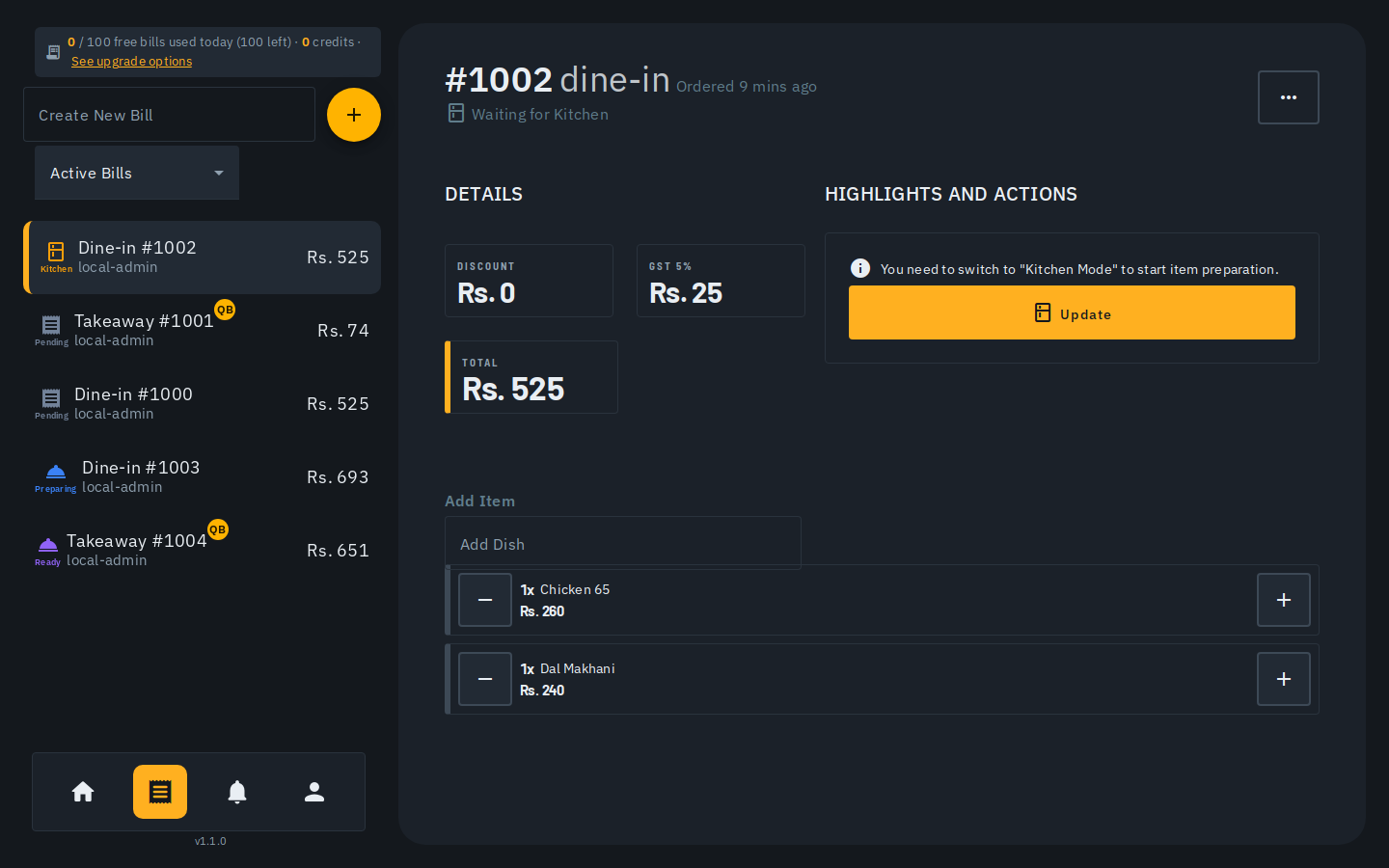
No credit card to start. No countdown. The core workflow — billing, KOT, GST-compliant invoices — usable at zero cost, not held back behind an upgrade prompt. That's the bar Biller.app's free tier (510 Biller credits once, no card required, credits never expire) is built to meet, and it's worth holding every vendor — including us — to that same plain-English standard.